One recording. A match you can study.
PaddleIQ converts a normal iPhone table tennis recording into AI stats and coaching without asking players to wear sensors or edit footage by hand.
Typical setup
About 1 minute
- 01
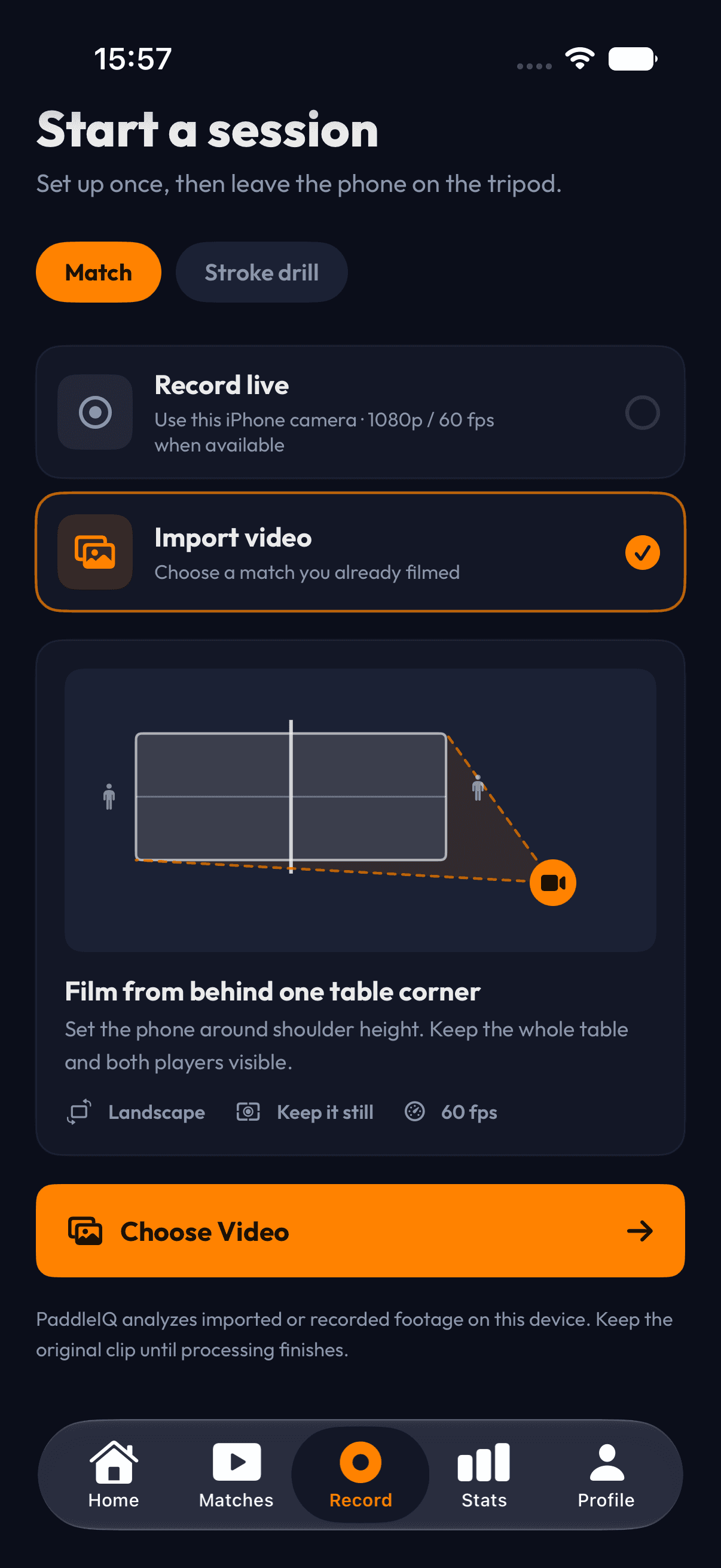
Place one iPhone
Set the phone near a table corner with both players and the playing surface in frame. No sensors or second camera are required.
- 02
Record or import
Capture a match in PaddleIQ or bring in an existing compatible recording. Clear lighting and a stable view produce better analysis.
- 03
Analyze the session
PaddleIQ combines computer vision with ball-contact audio to follow rallies and recognize common table tennis events.
- 04
Review and practice
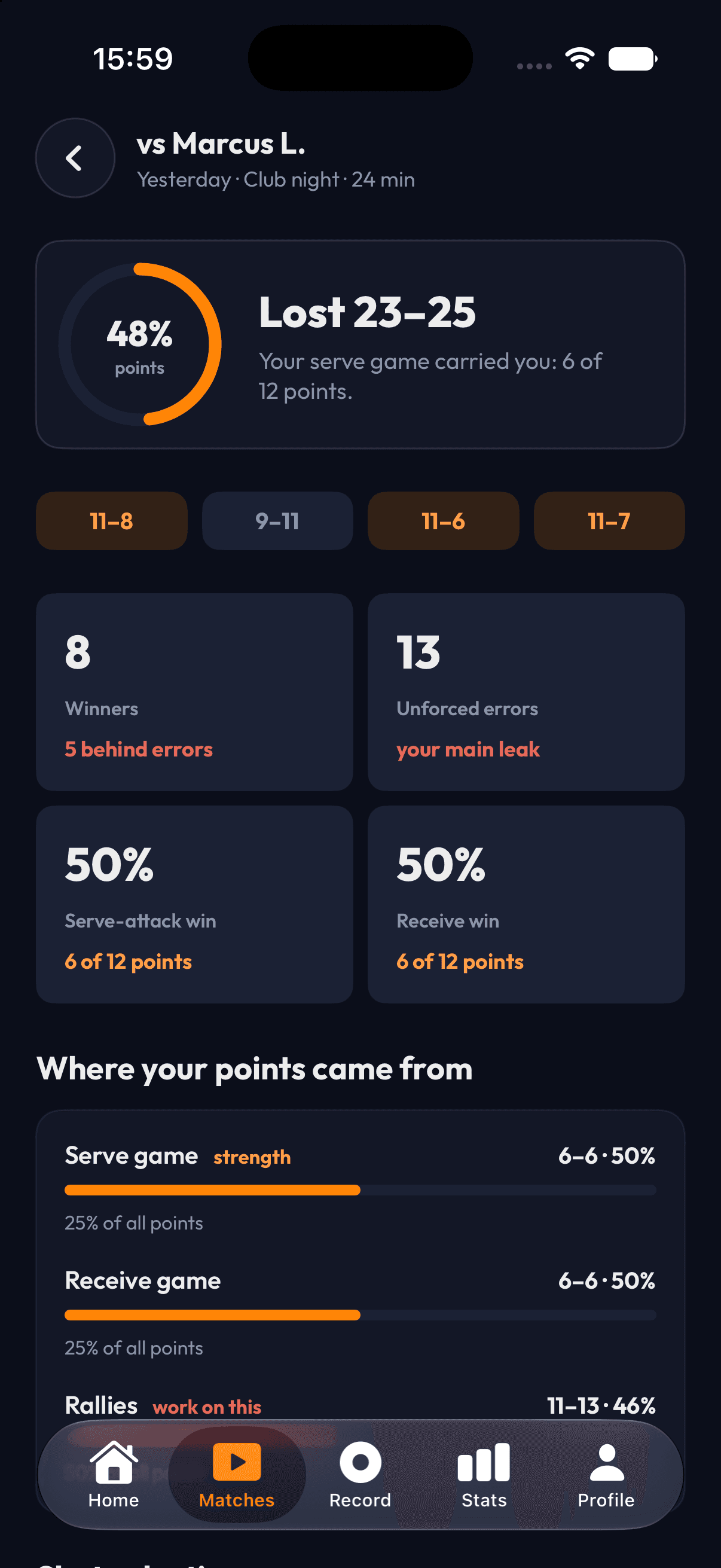
Open match stats, point clips, stroke checkpoints, and coaching priorities. Use the report to plan the next session.
Built for the conditions players actually have.
Table tennis is fast, players cross in front of the ball, and club lighting varies. PaddleIQ uses both video and contact audio to improve continuity through common one-camera occlusions.
Hardware
One iPhone
Editing
Automatic